
Send the links, get the videos, stay in charge.
You've got the products; you need the videos. Send us the links and we'll make them – short-form content for TikTok and Instagram, from the writing to the brief for every video. All of it stays on screen and yours to change, so the work gets done without getting away from you.
300 credits, no card needed
We make the videos
Send a link and the writing, the styling and the brief for the video are handled. Your day goes back to your customers.
Nothing happens off-screen
You see the brand, the details, and the brief for the video before a credit is spent. Nothing is decided where you can't see it.
You're always in charge
Say in a sentence what the ad has to do, or change any line of the brief. You see your own words in the brief before anything is made.
Start here
Paste a product link – or upload photos
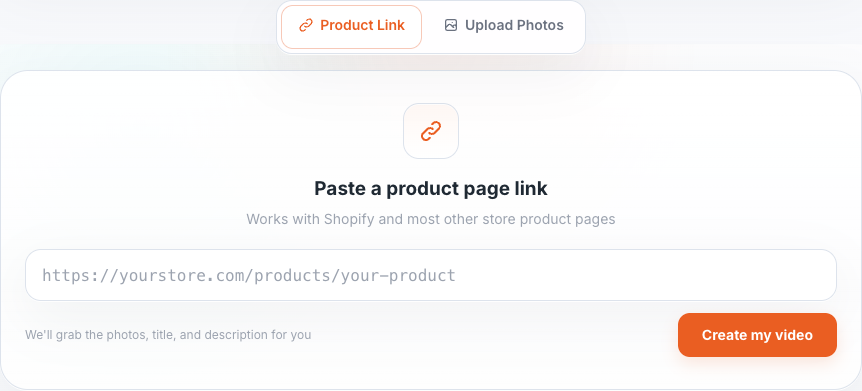
A store link is the fastest start – we read the page and bring back the photos, title, price, and description. Nothing to retype. No link? Upload photos instead: we name the product and describe it from them, and you check both on the next step.
Paste a product link
Works with Shopify and most other store product pages. Everything we import stays editable in the two steps that follow.
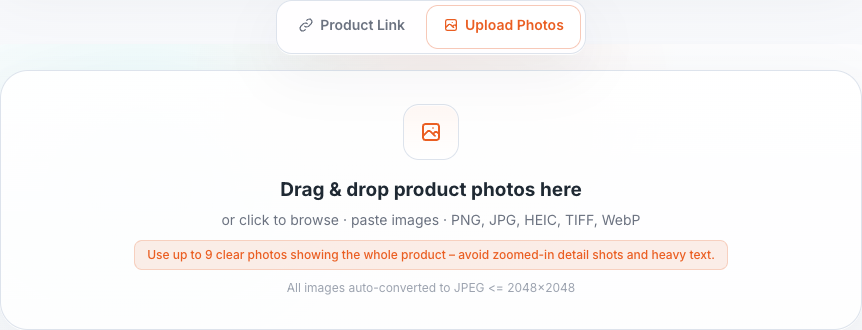
Upload product photos
Use up to 9 clear photos of one product: the whole product first, then close-ups of its details. Drag them in, or press “Choose photos” on a phone. PNG, JPG, HEIC, TIFF and WebP all work.
Your product
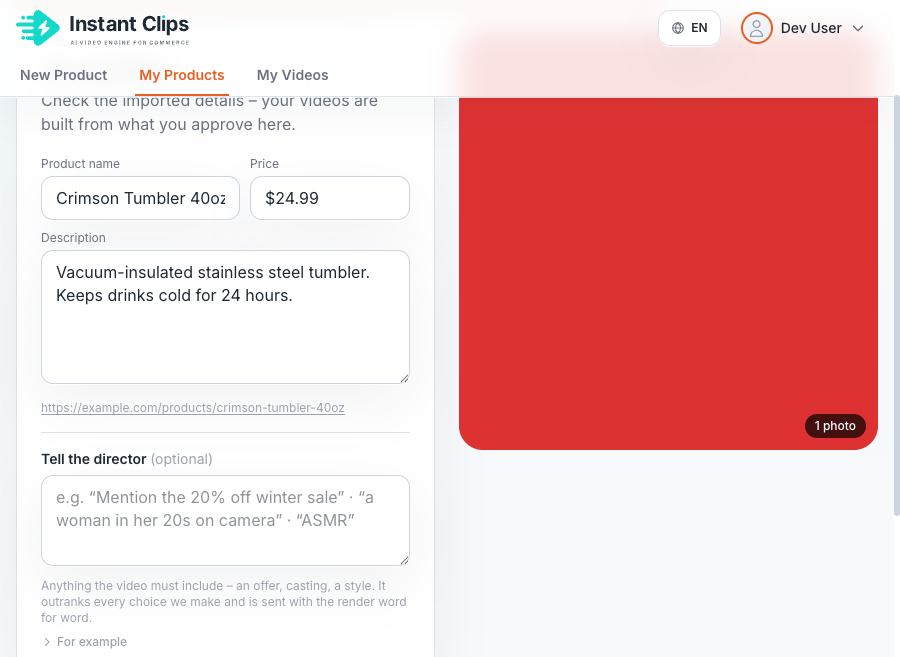
Check the product details and photos
Fix what the import got wrong, and drop photos you don't want in your ads.
-
Name and description
Edit them in place; your changes save as you type. The price and the page link are under “Show all details”. Your ads are built from what you approve here.
-
Photos
Keep the clear photos of the whole product. Remove the rest.
-
Let's make your ad
New here? Fill in your name, company and work email, and press “Continue with email” to test your product for free: 300 credits, no card needed. Open the link we email you, or type its code, and the next step opens.
Your brand
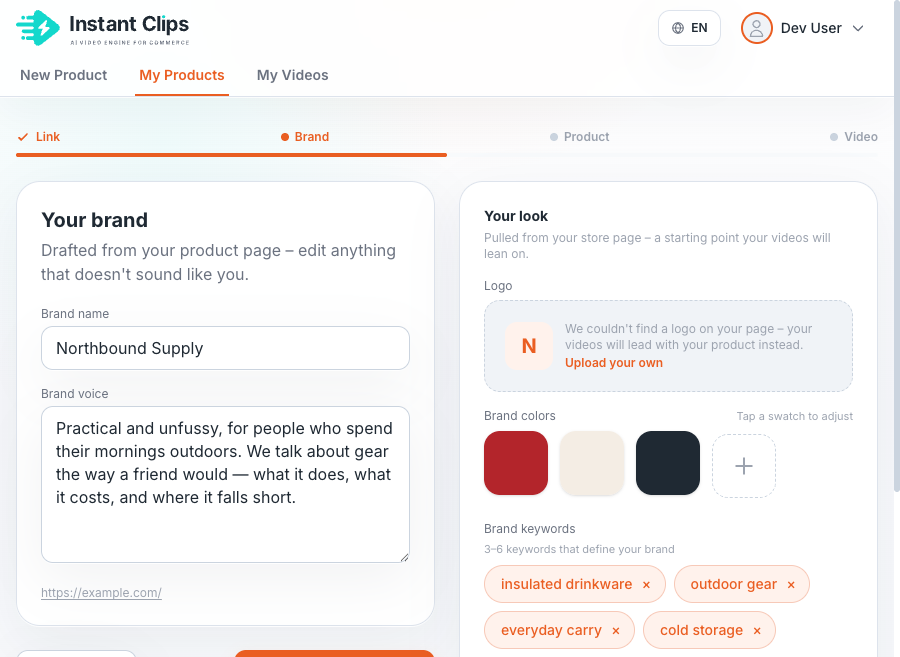
Check the brand we read off your store
From a store link, we read your store page and draft your brand: name, voice, logo, colours, keywords. Correct it once – every product under that brand inherits it. Photos come with no store to read, so the step is “Set up your brand” and its fields start empty: fill in what you have, or press “Continue” and add it later.
-
Brand name and voice
Drafted from your store. Rewrite the voice if it doesn't sound like you.
-
Your look
Also pulled from your store. Upload your own logo, adjust a colour, edit the keywords.
-
Reused, not re-asked
Later imports from the same storefront skip this step. A link from a different storefront asks “Which brand does this product belong to?”, so a product never joins a brand you didn't choose.
A field we can't fill arrives empty and editable, never as an error to clear.
Your brief
Choose the idea for your ad, then read the brief
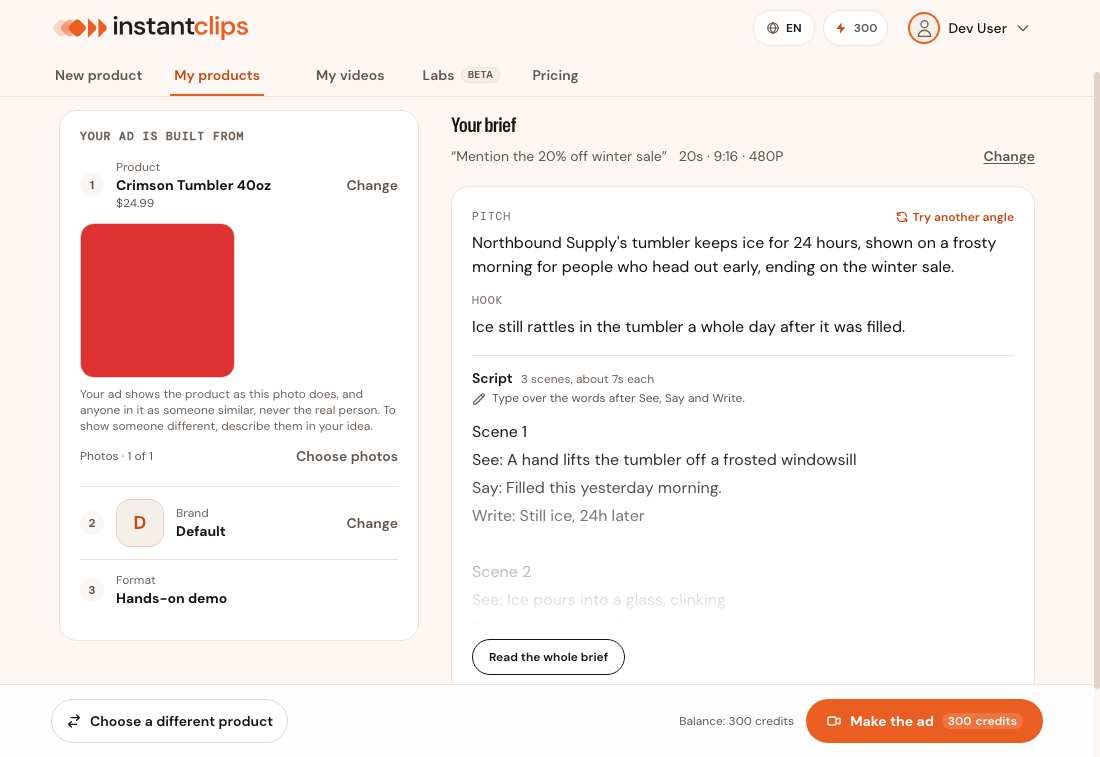
On the “Brief” tab, start from one of the ideas we wrote for your product, or describe your own in the box above them. Not sure what to make? “Decide for me” picks an idea and writes the brief in one press. Set the length in “Settings” before you press “Write my brief” or “Decide for me”: press “Change” there to open it. The brief is usually ready in under a minute. Read it before you make the ad: what the brief says is what the ad says and shows, down to the words on screen.
See a real ad and the brief it came from
-
Your idea
“Mention the 20% off winter sale” · “hands only, no face” · “a talking head”. A sentence is enough. Your words go into the brief, so you can check them there.
-
Your brief
Its Pitch and Hook say what the ad is, and its script what each scene shows, says and writes on screen. “Read the whole brief” opens all of it. Type over the words after “See”, “Say” or “Write” to change a line; the words on screen are the ones after “Write”.
“Try another angle” takes you back to your idea, with the other ideas beside it: change it or pick another, and press “Write my brief” for a new brief. “Back to your previous brief” returns to the one you had.
Preview and publish
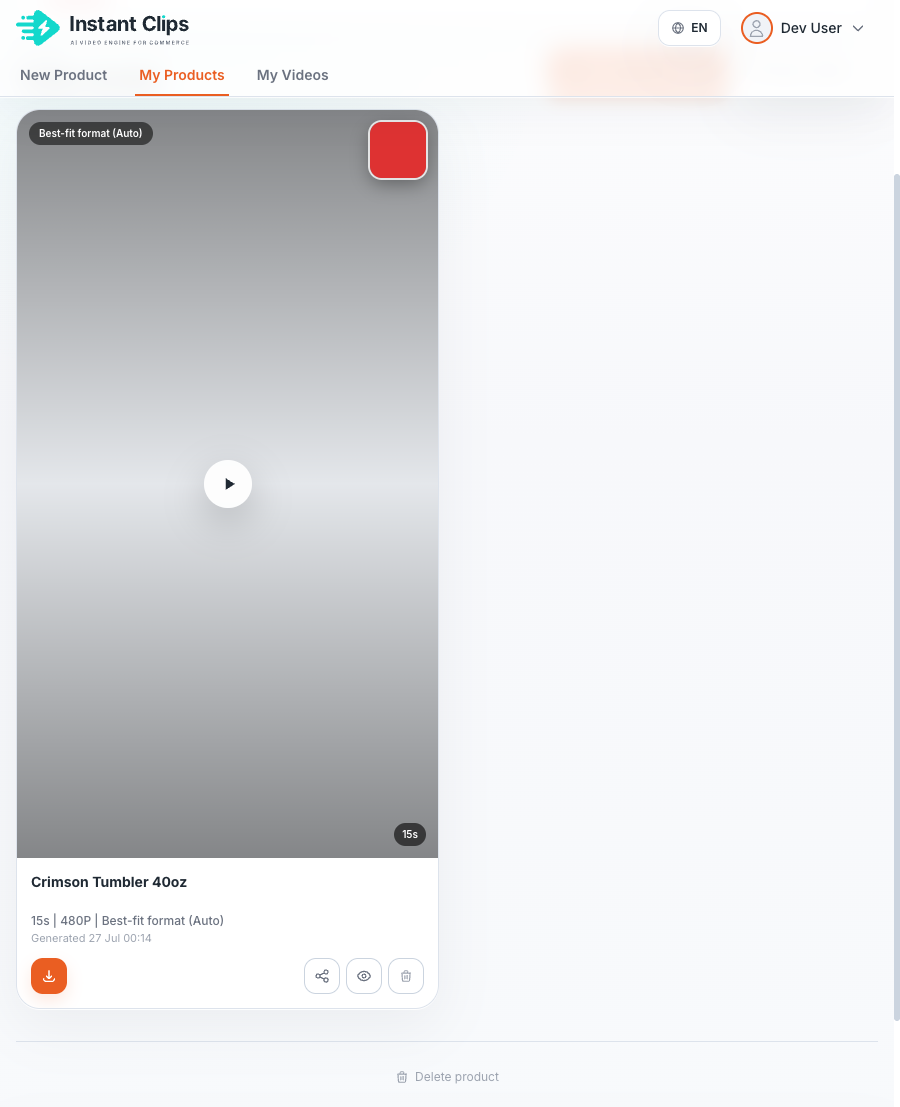
Watch the finished ad, then share or download it
You get an MP4 of the length you chose, with the words already on screen, to post as a TikTok, an Instagram Reel or Story, or to run as a paid ad. Your products stay in “My products” and your ads in “My videos”, so the next ad starts from a brand and a description you've already approved.
-
Unlock this video · $9.99
A free ad has the InstantClips watermark across the picture. Any purchase takes it off this ad and every one you make, and this payment also includes 100 credits, enough for 2 text edits.
-
Edit on-screen text
Rewrite the words on screen, or move them, then press “Create new version · 50 credits” to make the ad again with them. This button appears on the ad's page once you have made any purchase.
-
Share
Anyone with the link can watch the ad without signing in, so a client or a teammate can sign it off.
Not what you pictured? Change your idea or a line of the brief and make it again – the product stays as it is.
300 credits, no card needed