
How it works
Create your first product video
Upload a product, review the details, and generate a ready-to-post TikTok-style video in minutes. New accounts get 1 free credit.
1 free credit · no credit card required
Add your product
Start with photos or a product link
Choose the input that is fastest for this product. Photos work best when you already have good product shots; product links are useful when the store page has clean images and copy.
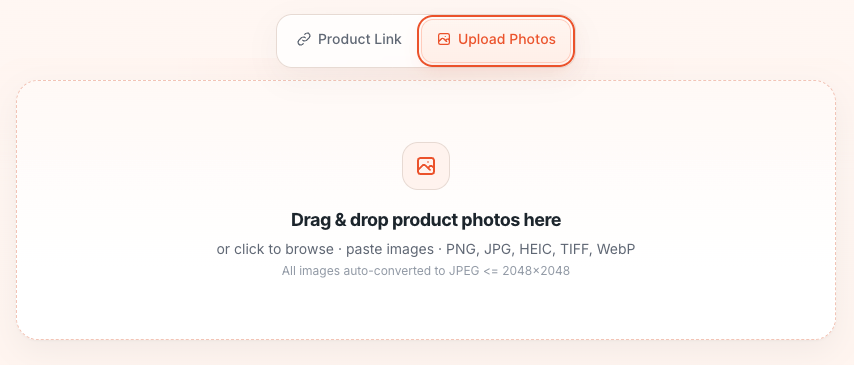
Upload product photos
Drag in all angles for one product. PNG, JPG, HEIC, TIFF, and WebP are supported.
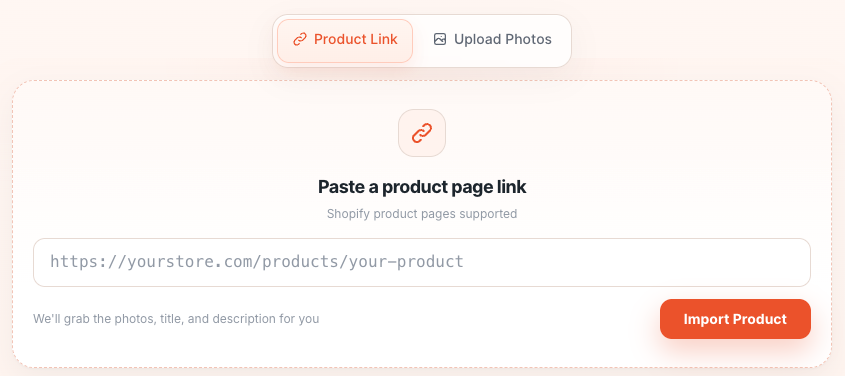
Paste a product link
Use a Shopify product page URL and we fetch the title, photos, and description for you.
Review and steer
Check the product details and video settings
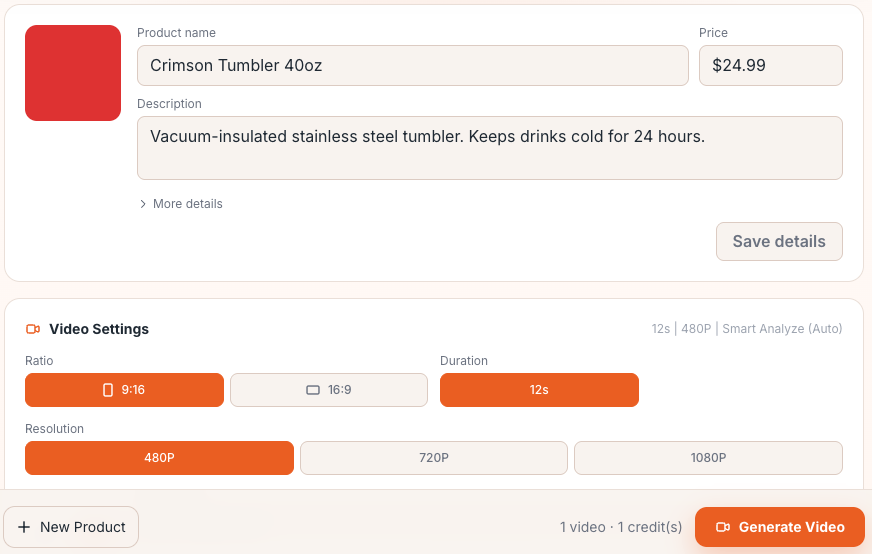
Review the imported product info, then steer the output with Format, ratio, audio, and director's notes.
- Fix the product name, price, description, or key details before generating.
- Keep Best-fit format on Auto, or choose a specific creative format.
- Add notes for tone, hook, selling points, or the call to action.
Generate
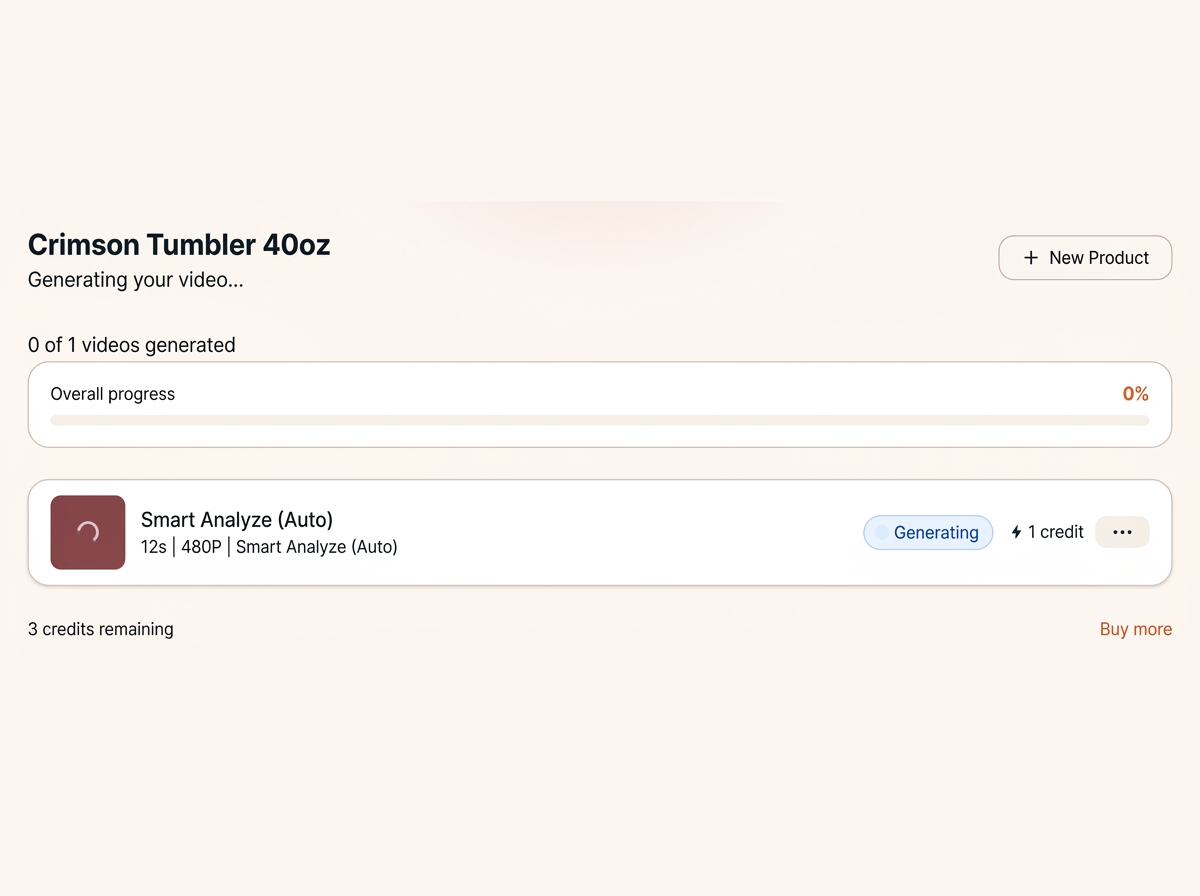
Launch the video job
Click Generate Video. One video costs 1 credit, and most jobs are ready in a few minutes.
Preview and publish
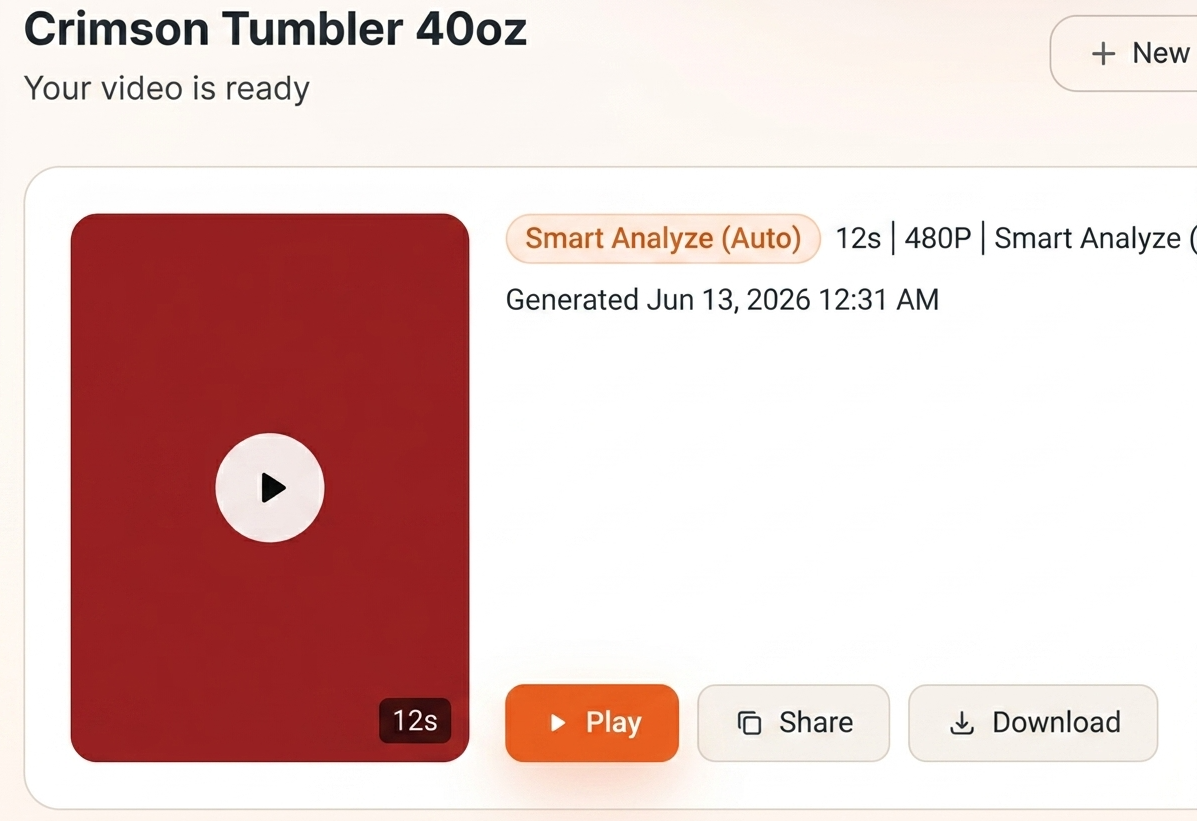
Play, share, or download the finished MP4
Preview the result on the page, copy a review link, or download the MP4 for TikTok. Past products and videos stay available in My Products.
Behind the scenes
How the engine works
You give us a little; the engine does the rest.
-
1
You provide
Your product photos, description, and anything we know about your brand.
-
2
We analyze
We choose a high-converting format for your product category.
-
3
We write the script
A hook, a story, and a CTA. Your director's notes steer what it says.
-
4
We generate
The video is produced to follow the script — ready to post.
1 free credit · no credit card required